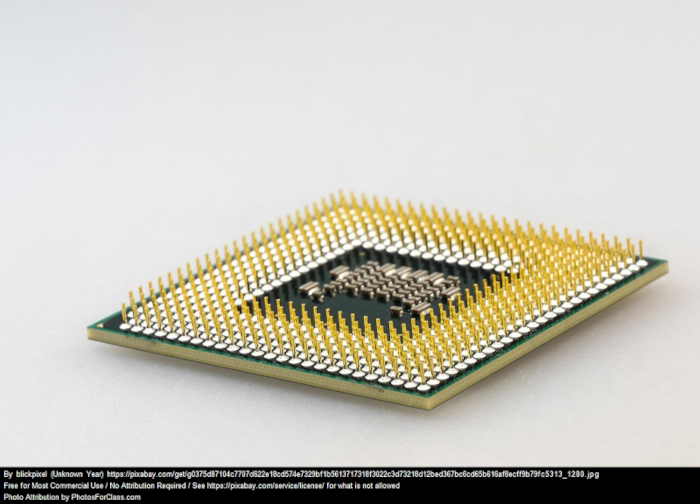
The CPU is essentially the brains of the computer where all of the complex calculations take place. The more cores you have, the more multitasking and more demanding programs you can use. The higher the clock speed, the better performance when comparing across the same brand and generation of processor.
Pin grid array CPU. No attribution required.
Motherboard
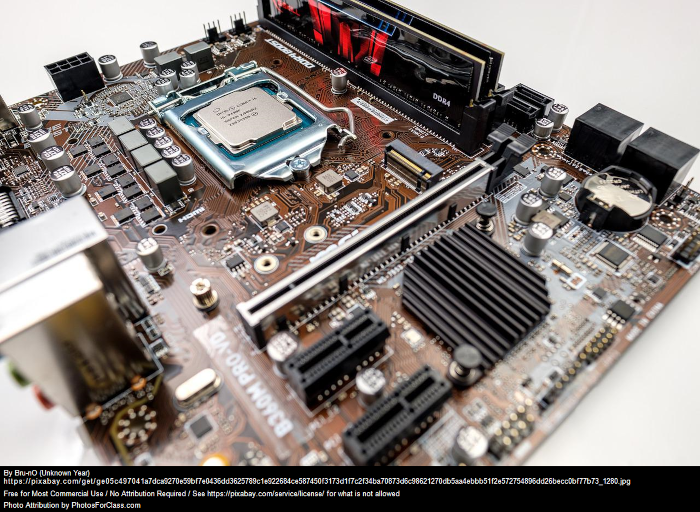
The motherboard is the backbone of how all of the parts get connected to each other. It is essential to make sure that the motherboard, CPU, and RAM are all compatible with each other. Using PC Partpicker is one of the simpliest ways to check.
Motherboard. No attribution required.
RAM
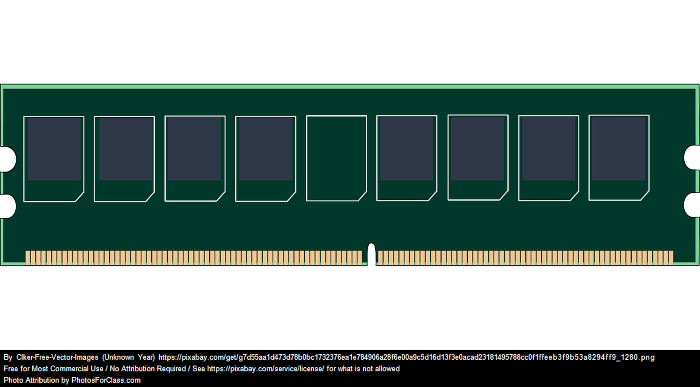
Random access memory or RAM temporarily stores data that is ready to be quickly accessed. This can be multiple chrome pages, word documents, photo or video editing applications, or games running simultaneously. The speed of the RAM is not quite as important as the actual amount in GB.
Random Access Memory. No attribution required.
Storage
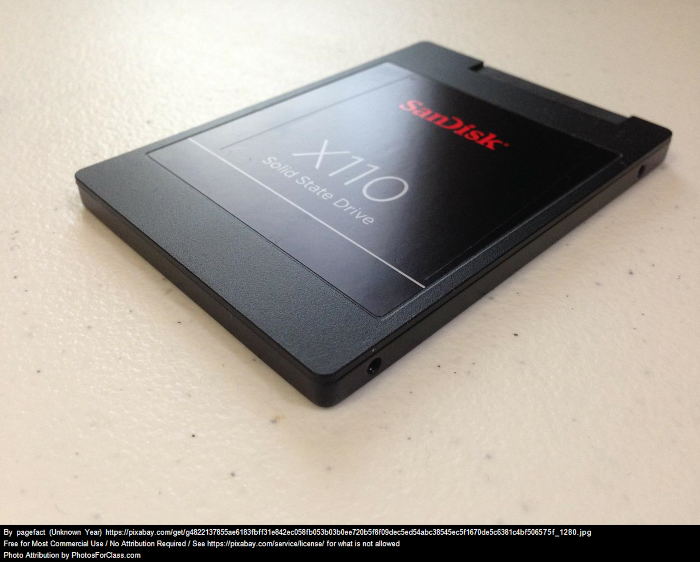
Storage is where all of your data is located for the long term and stays there compared to RAM. SSDs (solid state drive) are significantly faster than traditional hard drives and have no moving parts. It is recommended to have at least one SSD where you will install windows and your applications while a secondary hard drive can be used for mass storage. If you are transferring large files frequently, consider purchasing a PCIe generation 4 M.2 NVMe drive.
Sata SSD. No attribution required.
Graphics Cards
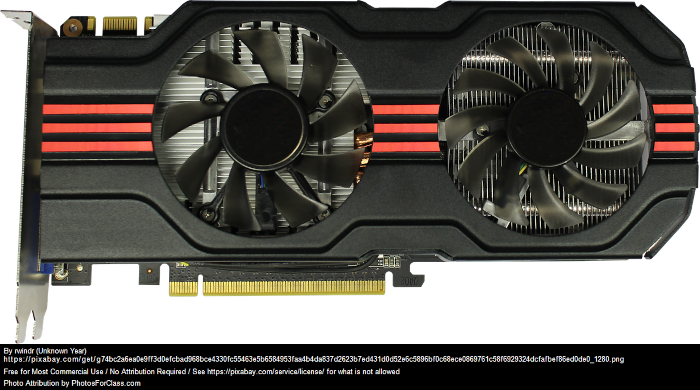
GPUs compute graphical information and are important for video rendering, advanced image processing, and video games. This component is not necessary if your CPU has integrated graphics on it.
Graphics Card. No attribution required.
Power Supply
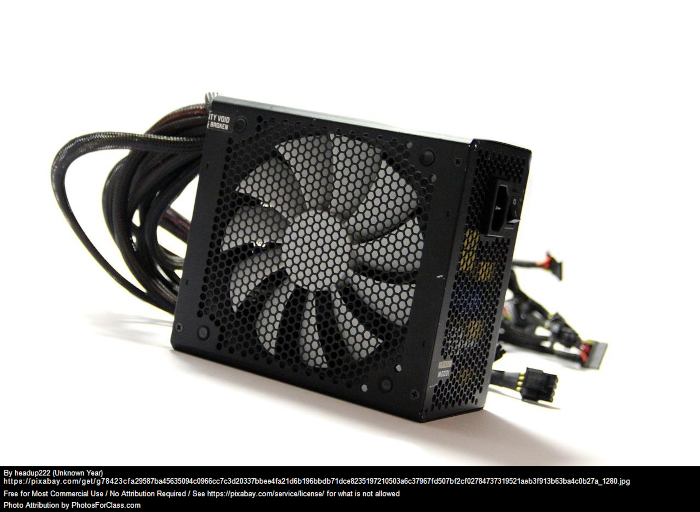
The power supply changes the AC wall power to DC for the computer. When selecting a power supply, ensure that you buy from a reputable brand (corsair, sesonic, evga) as these can be dangerous if you purchase an inexpensive one. Make sure you buy one with at least 80+ bronze efficiency so that you are not wasting power.
Power Supply. No attribution required.
Cooling
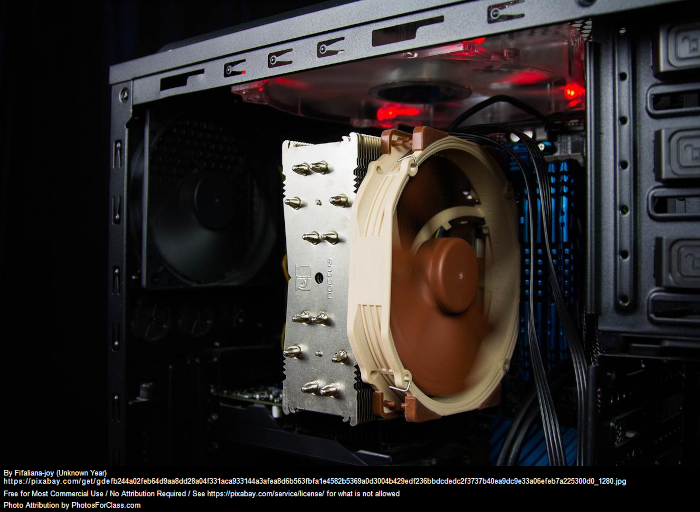
Like all electronics, your computer generates heat while in use. The hottest components are typically the CPU and the GPU. Most lower to mid grade CPUs come with their own stock cooler in the box and these are acceptable to use. However if you want to reduce the noise or improve the aesthetics, an aftermarket CPU tower or all in one liquid cooler are available. Higher end CPUs usually require these options and do not include a stock cooler. GPUs come with their own cooling solution on the card. Both of these components can still get hot if you do not have adequate ventilation in the case as stated below.
CPU Tower Cooler. No attribution required.
Case
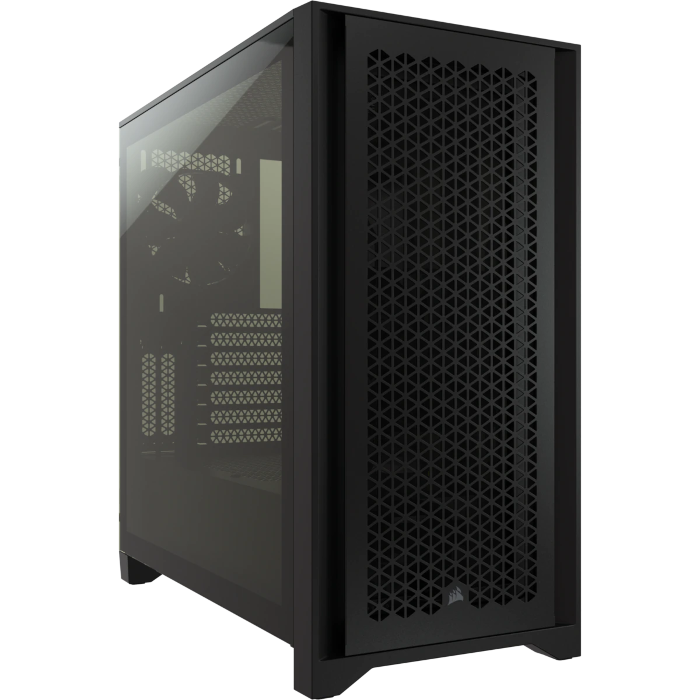
The case is where all of the components are housed. It is essential when choosing a case to make sure that all of the components will fit in it as there are different sized cases and motherboards. Additionally, if you buy a graphics card, ensure that it will fit. Cases typically come with fans installed but it is important to make sure that there is adequate ventilation and a mesh front pannel is recommended.
"4000D AIRFLOW Tempered Glass Mid-Tower ATX Case — Black" by Corsair
Part Selection Site
After reviewing the table on the previous page and deciding your use case, now is the fun part! Check out
PC Partpicker
if you want to see example builds and compatibility. They also have a PC Builder section that allows you to pick each part and see where it is in stock at the lowest price. As expected newer parts with higher numbers are usually better but make sure to check online benchmarks if you are unsure.